Teach it who you are first
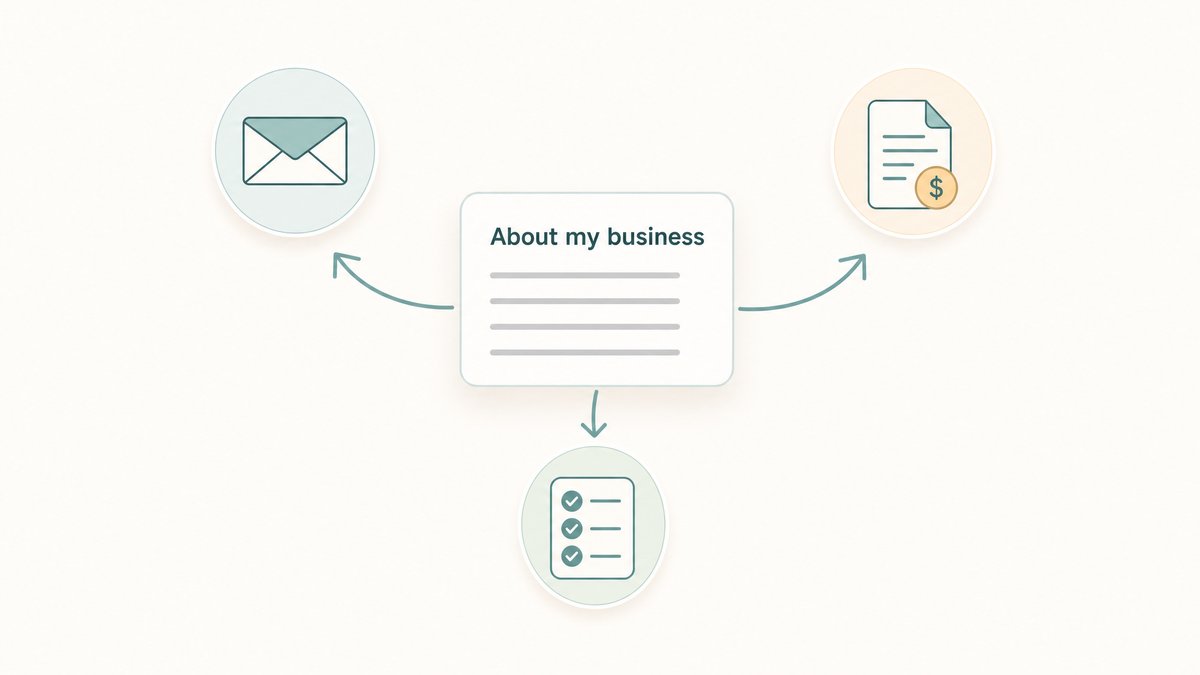
Over the last couple of weeks I have made the case for Claude's Cowork app: hand it a routine admin job, the copy-and-paste kind where you are shifting information out of files and into a spreadsheet, then set it up as a scheduled task so it does itself every week. If you have had a play, you might have found the results are good but a bit generic. Close to what you wanted, not quite how you would have done it yourself.
That is the bit this fixes. Give Claude a little guidance on who you are, what you do, and how you work, and what it hands back starts to feel like you did it, rather than something you then have to redo in your own words.
The reason is simple. Right now it does not know your business, your customers, or that you would never call a client "mate" in writing (or that you always do). So it makes its best generic guess, every time.
Here is the fix, and it takes about ten minutes, once.
Give it a short profile of your business
Claude has a spot built for exactly this. Open Settings, go to the General page, and near the top there is a box called Instructions for Claude. Whatever you write there, it keeps in mind across all your chats and your Cowork tasks, from then on.
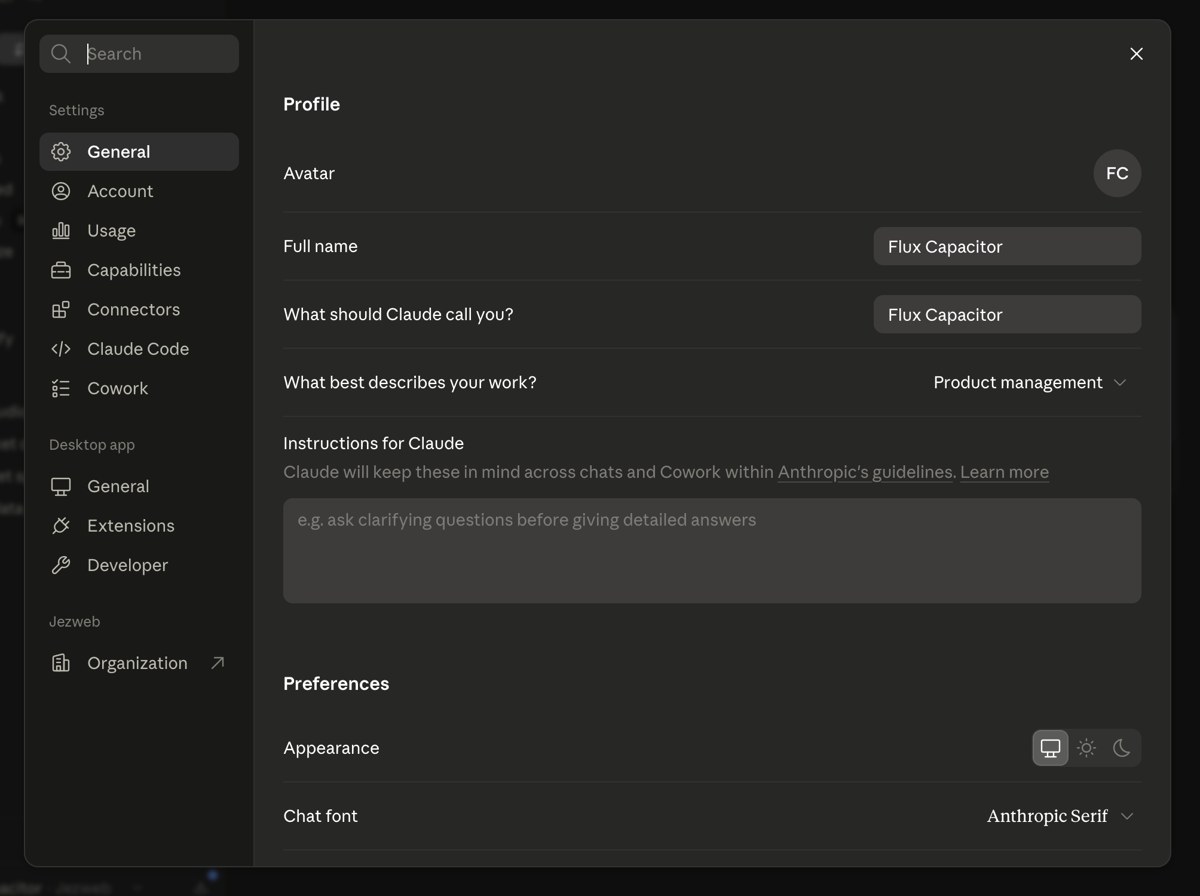
Think of it as the note you would hand a new employee on their first morning. A handful of plain lines is plenty:
- What your business does, in a sentence
- Who is on the team
- The kinds of customers and jobs you see most
- How you like to sound, and any words you avoid
- What tools you use, so it knows where things live
- Your day-one rules: always, never, and what to do when unsure
Let Claude write it for you
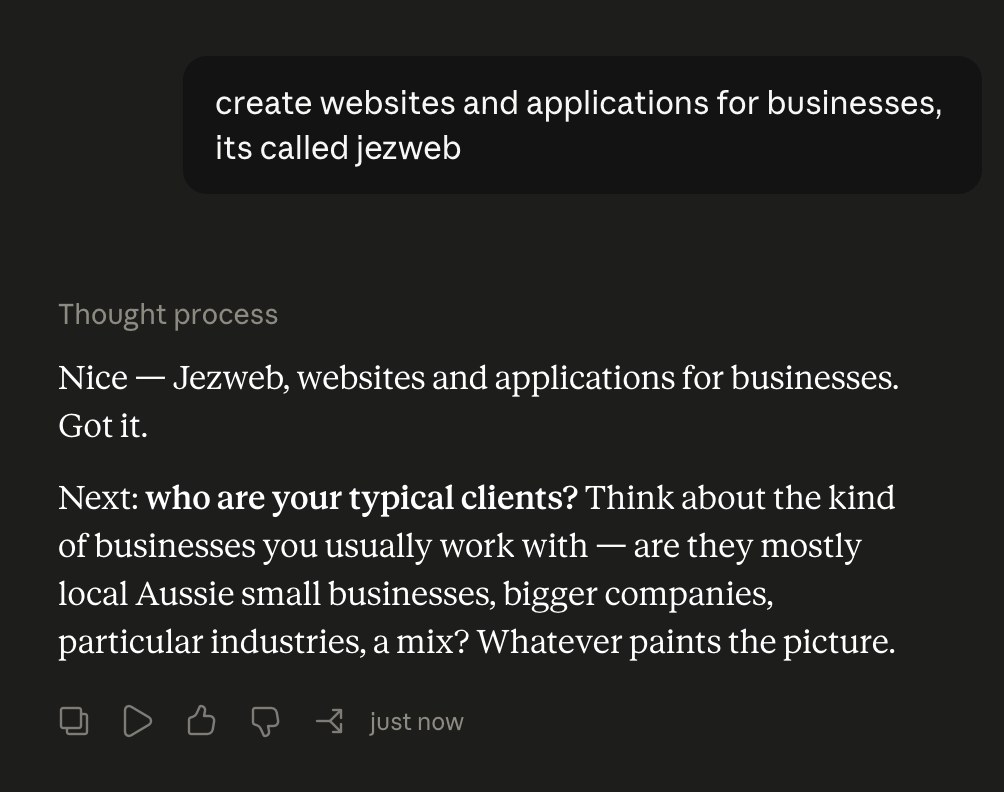
Here is the nice part: you do not have to write a word of it yourself. Open Cowork and ask it to. Tell it to look through your recent emails and the files you already have, work out what it can about your business, then ask you to fill in the gaps. A few minutes of answering questions and it writes the whole profile up for you. Paste that into the box, and you are done.
We have put the exact prompt, plus a simple fill-in template if you would rather do it by hand, in a free kit for you.
Save the deep stuff for a Project
Some things are too detailed for the box. A client you deal with constantly, the monthly books, one big ongoing job. For those, make a Project. A Project is its own little workspace, with its own files, instructions and memory, and it only kicks in while you are working inside it. So the detail lives there, loads when you need it, and your main profile stays short and clean.
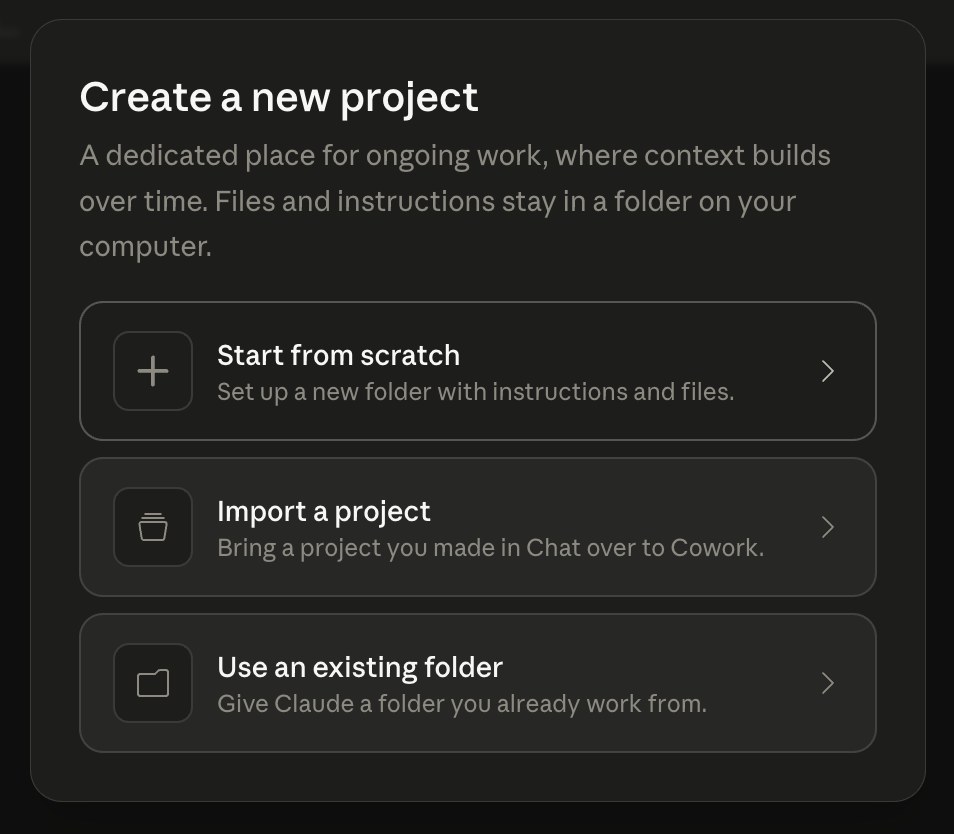
You do not need Projects to start though. The box is the ten-minute win. Projects are there for when you outgrow it.
Then it just knows you
From that point on Claude stops being a clever stranger and starts acting like someone who already knows the place. The invoice job knows which supplier is which. The email draft sounds like you, not a robot. The Monday summary knows what actually matters to you.
And it is never finished. Every time you catch yourself explaining the same thing twice, add that line to the box.
Have a go this week. Ten minutes on this will save you more time than any clever prompt.
Cheers,
Jez